
Editors' rating |
|||||||
Desk Drive Specifications
|
 Desk Drive v1.8.5
Add a desktop icon when you use a thumb drive or DVD.
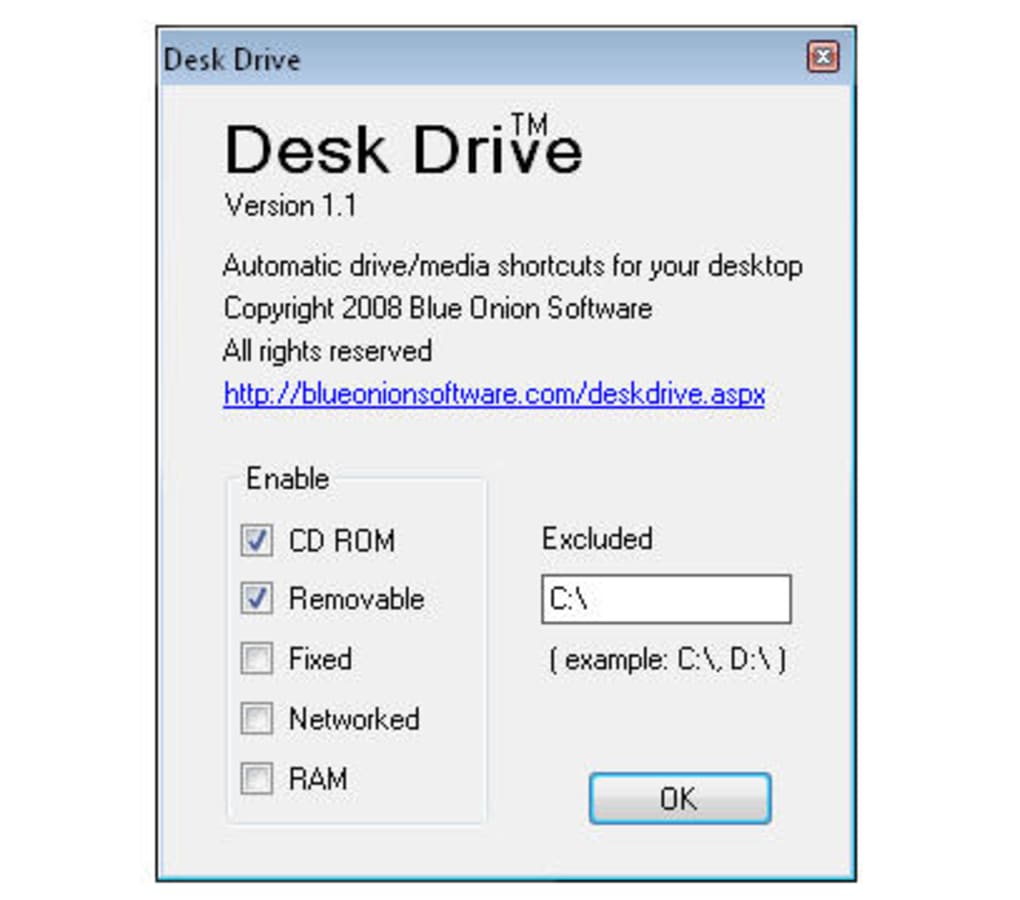
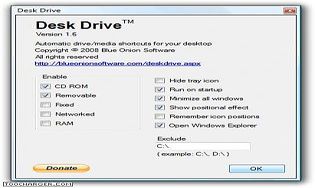
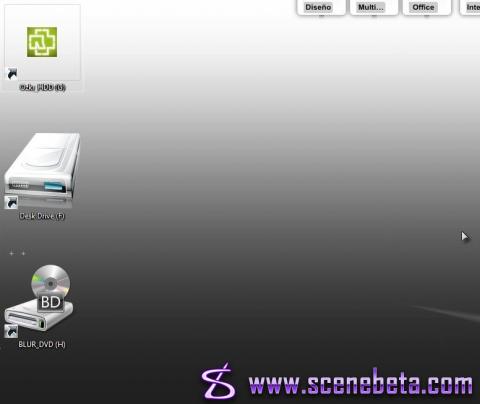
Windows Explorer lets you open a USB drive or DVD when you insert them, but to return to them later, you've got to reopen Explorer and click your way to the disk or device. Thanks to Desk Drive from Blue Onion, though, you can instantly open your flash drive, CD-ROM, DVD, or other external storage devices and media. It's a free tool that sits in your System Tray until you insert an external device. Desk Drive then places a quick-access icon on the desktop that links to the drive and hangs around until you eject it. Desk Drive does more than open thumbdrives and DVDs; you can enable it for fixed and removable drives, networked drives, and even RAM-based devices. You can also configure it to open Explorer automatically, too.

Click a system tray icon to explore disk drives, create virtual drives, and automatically run or play CDs.
 Fences
 Screen Watermark For Business
 ThumbnailCity Free (32-bit)
 Perfect Hotkey
 Alt-Tab Thingy
 Ramadan Kareem Windows 7 Theme
 Brilli Wallpaper Changer - Start, Desktop & Lockscreen for Windows 10
 OneStart for Windows 10
 Mouse without Borders
 DreamScene Seven